Creator's Guide to Training Your AI Lobster: From Zero to One-Sentence Videos
Preface
Fu Sheng recently wrote a piece called "AI Assistant Training Manual," documenting his 25-day journey of crashes and lessons with his AI assistant "Sanwan." Great article—I recommend every OpenClaw user read it.
But Fu Sheng's use case was a general AI assistant—managing emails, running scripts, handling messages.
My scenario is different. I'm a content creator.
I need an AI that can make videos, generate images, write articles, and manage social media for me.
This is my version: How creators can raise an AI lobster that actually gets work done.
Three Essential Insights
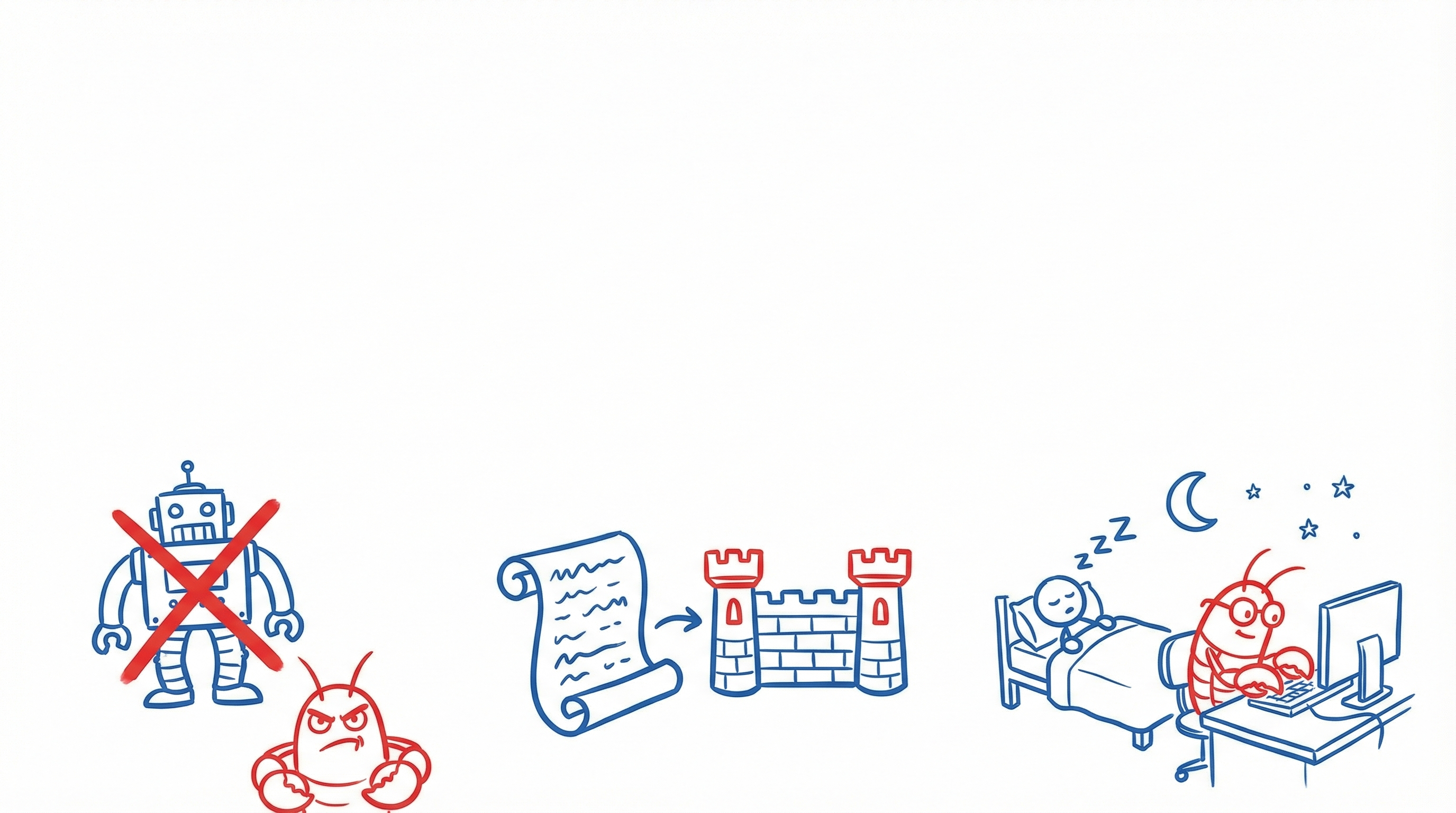
[1] Employee ≠ Tool
Traditional tools: You open Photoshop → operate it yourself → export.
AI tools: You open Midjourney → write a prompt → wait → not happy → rewrite.
Ima Claw: You say one sentence, and it decides how to do it on its own.
That's the difference between an "AI employee" and an "AI tool": tools wait for your input, employees think for you.
[2] Your Moat = Skills Accumulation
Models change—GPT-4 becomes GPT-5, Claude 3 becomes Claude 4. But the rule system you spent 30 days training? It works with any model.
Experience written into Skill.md and AGENTS.md becomes permanent rules. These rules are your competitive moat.
[3] You Sleep, AI Works
I had Claw research an industry report at 1 AM. It worked through the night until 6 AM. I woke up to a complete analysis.
With Cron (scheduled tasks) and Heartbeat (health checks), it works 24/7 without breaks.
Four Common Creator Myths About AI
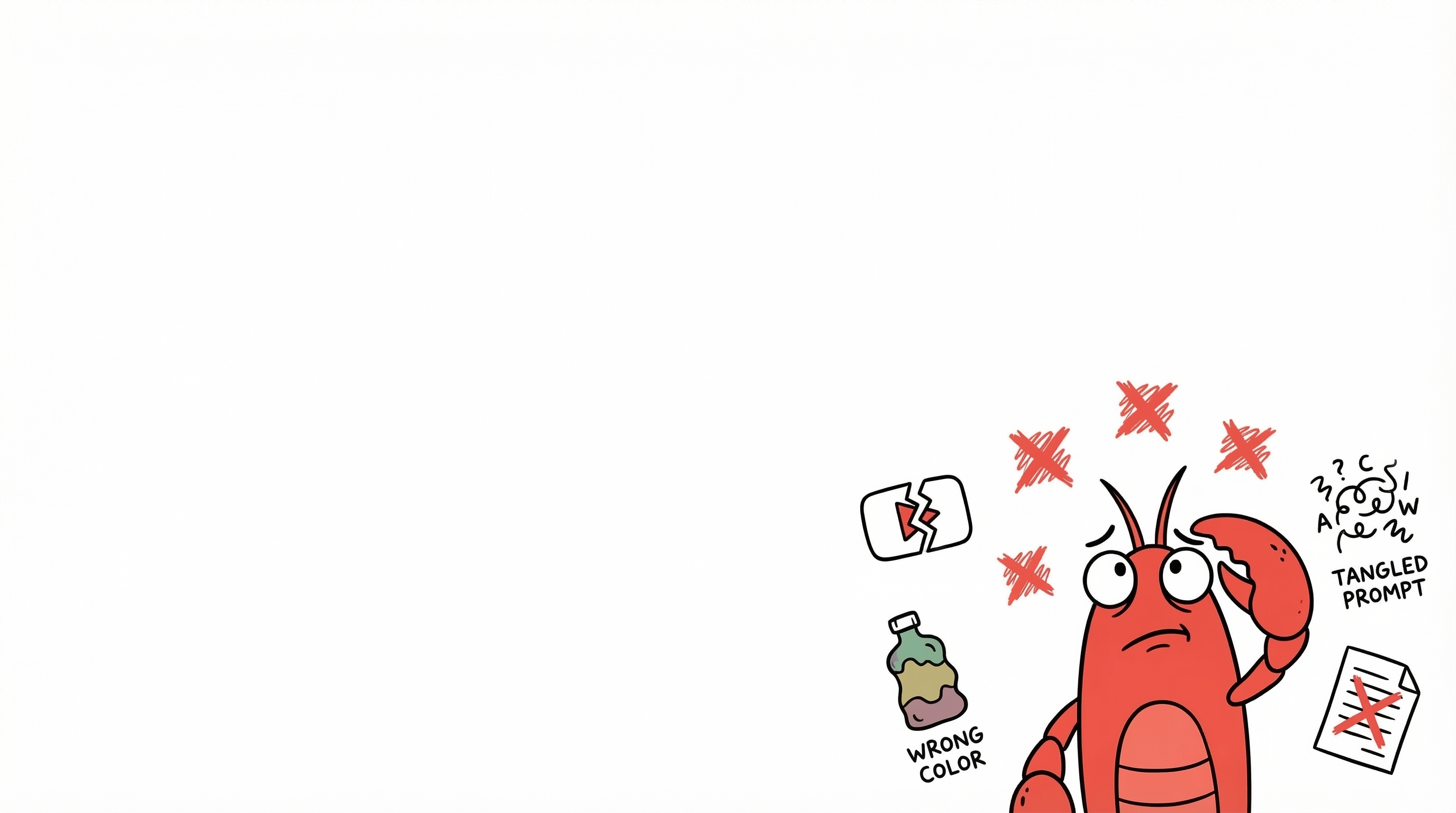
❌ Myth 1: "AI can make videos directly"
It can't—at least not in one shot. Current reality: single shot, 5 seconds.
But you can: Split into 3 shots → 5 seconds each → auto-stitch → add music → 15-second final cut.
The key isn't "can AI do it" but how you break down the task.
❌ Myth 2: "Send a reference image and AI copies it"
Nope. AI image generation has two modes:
- Text-to-image: Text description → AI imagines → probably wrong
- Image-to-image: Reference image → generates from reference → 10x more accurate
❌ Myth 3: "Just write a good prompt"
Prompts matter, but they're not the most important thing. For a video, the prompt is only 10% of decisions. The other 90%: Which model? Which mode? How many shots? What transitions? What music?
A good AI assistant makes these decisions for you.
❌ Myth 4: "AI output is ready to use"
Not yet. First-version pass rate: about 60-70%. You say "the direction is reversed," and then it can fix it.
This isn't AI's flaw—it's the current workflow: humans decide, AI executes.
Real Case: One Cat Photo → 15-Second Video
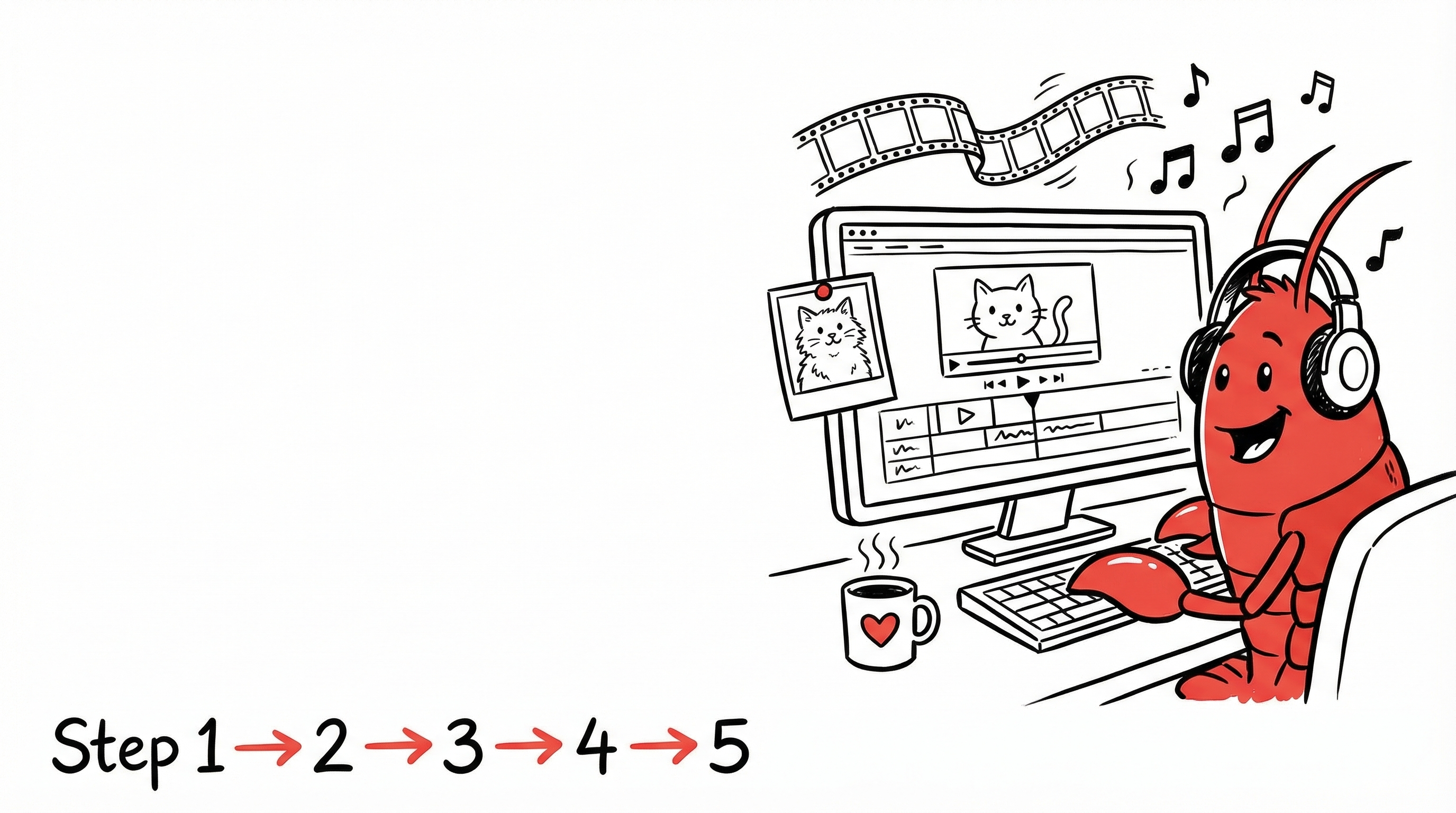
Step 1: I sent a cat photo and said "make a short video."
Step 2: Claw decided: need to preserve the cat's real appearance → chose reference_image_to_video mode.
Step 3: Selected Kling O1 (best character consistency) → split into 3 shots.
Step 4: Shot 2 went wrong → detected it → fixed the prompt → regenerated.
Step 5: Auto-stitched three segments + added background music + merged output ✅
I spent 2 minutes. Claw worked for 40 minutes.
Tools wait for your commands. Employees think for you.
Creator Skill Stack & Real Costs
| Capability | Models | Use Case |
|---|---|---|
| 📸 Image Generation | Midjourney / Nano Banana Pro | Covers, posters |
| 🎬 Video Generation | Kling O1 / Wan 2.6 / Veo 3.1 | Short films, ads |
| 🎵 Music Generation | DouBao BGM / Suno | Background music |
| ✍️ Copywriting | Claude / GPT | Blogs, scripts |
| 📢 Auto-Publishing | Xiaohongshu / WeChat | One-click distribution |
💰 Cost Comparison
| Item | AI Cost | Human Cost |
|---|---|---|
| 15-sec video (3 shots + music) | ~$1.70 | $300+ |
| One AI cover image | ~$0.15 | $30+ |
| Bilingual blog post | $0 (text only) | $70+ |
Not just 90% cheaper. 90% faster AND 90% cheaper.
10 Battle-Tested Creator Tips
- 🔍 Product shots: Always search reference images first. Text-only descriptions = disaster.
- 💡 Video direction wrong? Use lighting cues. "Light floods through the crack, growing brighter" → AI knows the door is opening.
- 🎨 Dual-model comparison. Generate with Midjourney + Nano Banana Pro simultaneously. Let the user choose.
- 📝 Never use sub-agents for writing. They lack context. Articles always in main session.
- 📤 Send files directly via messaging. Don't paste local file paths—users can't open them.
- 🎯 One sentence vs step-by-step. Free creation → one sentence. Brand standards → confirm each step.
- ✅ Self-test before every delivery. HTTP 200 check / link validation / DOM check / visual review.
- 🖼️ Add poster thumbnails to videos. Extract first frame with ffmpeg as webp poster. No more black boxes.
- 🈶 Install Chinese fonts first. Servers have no CJK fonts by default. Chinese text renders as squares.
- 📖 Write lessons into rules. AI doesn't "remember." Crash → write rule → permanent. Never repeat.
"Agent did it" ≠ "Agent got it right." Written in rules = actually done.
The Creator's 7-Day Training Path
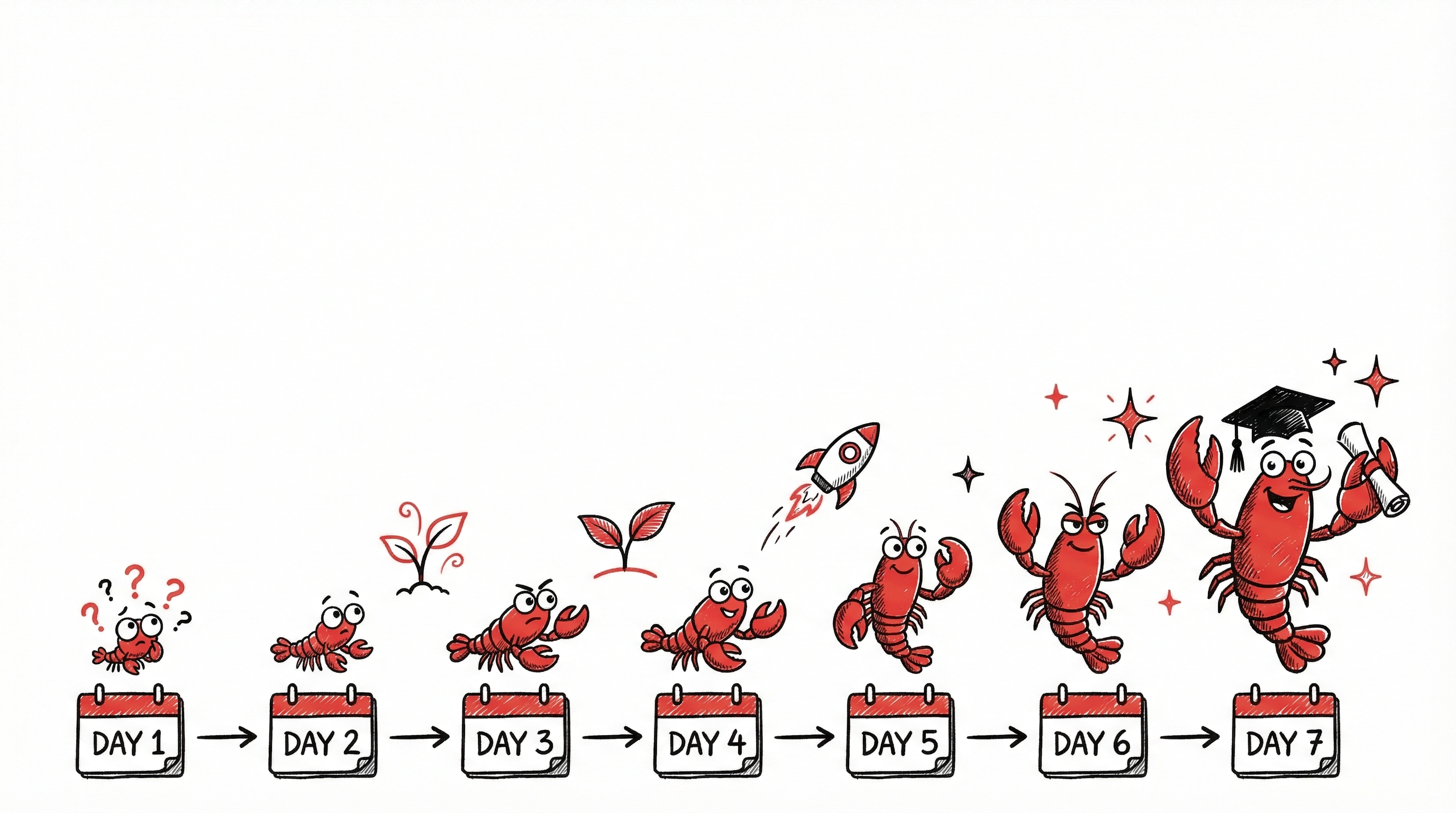
Day 1: Name your lobster, set its personality (SOUL.md), tell it who you are (USER.md). First task: generate an avatar.
Day 2: Send a photo, say "make a short video." Watch how it breaks down tasks, selects models, generates. Not happy? Tell it what's wrong.
Day 3: Write brand colors, font preferences, content style into TOOLS.md. Write lessons into AGENTS.md.
Day 4-5: Batch create 3-5 pieces of content. Try bilingual versions. Test auto-publishing.
Day 6: Set up Heartbeat for daily industry news. Configure Cron for weekly content calendars.
Day 7: Review the week. What worked? What didn't? Write experiences into rules. Keep MEMORY.md lean.
Day 8+: AI doesn't self-evolve. You evolve, and the rule system you build evolves. Your work is the best proof of evolution.
Final Thoughts
Fu Sheng said: "Your job isn't to make AI smarter—it's to make sure AI can see the right information."
I'll add:
For creators, your job isn't to learn every AI tool. It's to raise a lobster that learns every tool for you.
This lobster will select models, write scripts, generate videos, add music, and publish—all for you.
You just need to have an idea. Then say it out loud.
👉 Adopt your Ima Claw → imaclaw.ai