How to Remove the 'AI Look' from Generated Images: A Real Workflow with Ima Claw
You've seen them. We've all seen them. Those AI-generated product photos with skin that looks like wax, lighting that screams "render farm," and a general vibe that says "a computer made this and didn't care about aesthetics."
The problem isn't the AI models — Midjourney, DALL-E, and others are incredibly capable. The problem is how we talk to them.
Most people type "high quality product photo of a backpack, 4K, ultra realistic" and wonder why the result looks like it came from a stock photo factory in 2015.
Today we're showing you a different approach. One that produces images like these:
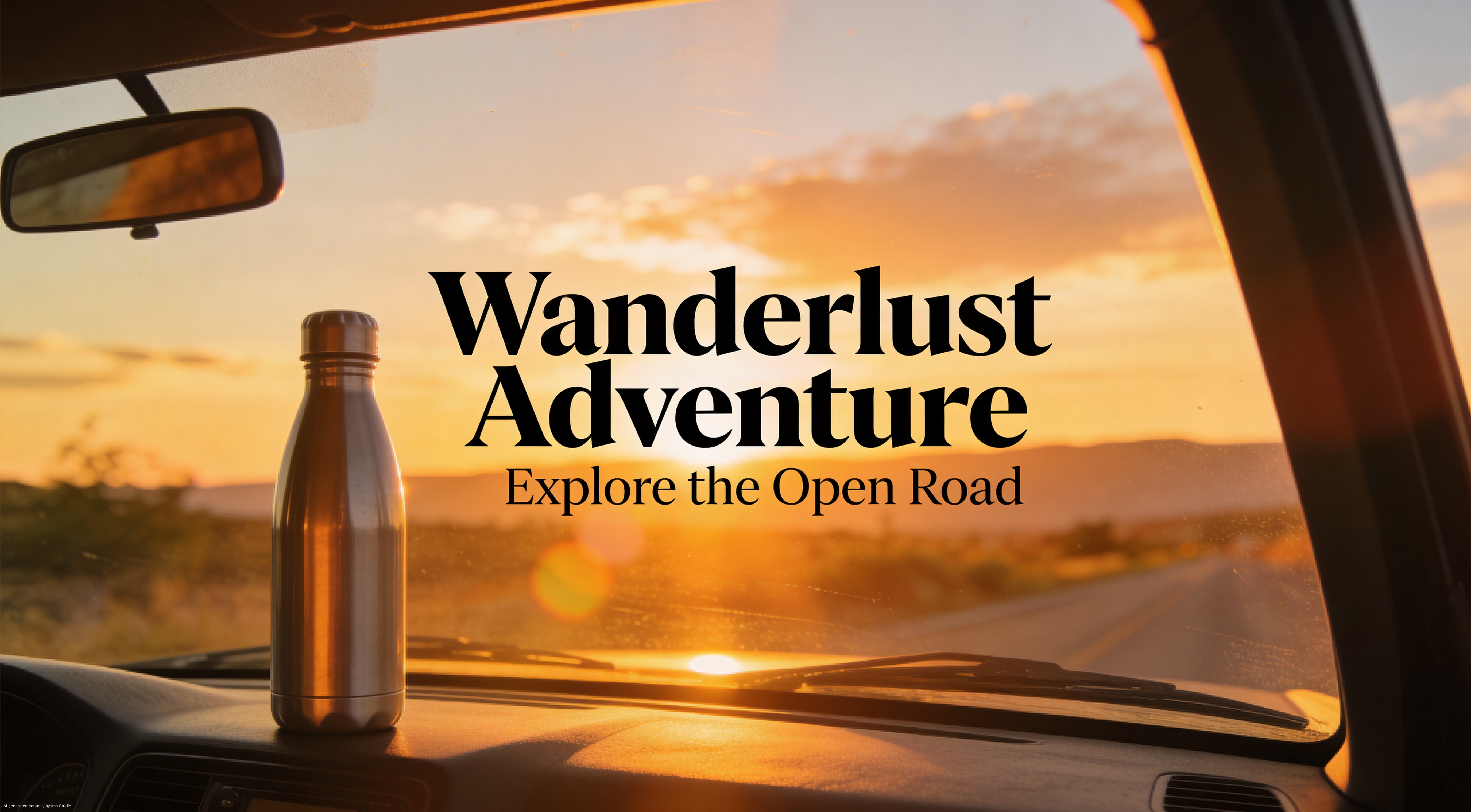
These were made with Ima Claw — a cloud-hosted OpenClaw agent pre-loaded with Midjourney, DALL-E, Seedream, and 20+ other AI models. But the technique works with any AI image tool. The key is the method, not the model.
The Core Idea: Stop Giving Instructions. Start Asking Questions.
Here's what most people do:
"Generate a high-quality product photo of a backpack"
Here's what actually works:
"How would describing 1990s film photography texture
make a product poster feel more premium and commercial?"
See the difference? You're not telling the AI what to make. You're asking it to think about aesthetics first.
This single shift — from instruction to inquiry — changes everything about the output quality.
The 3-Step Method
Step 1: Aesthetic Questioning — Align on Visual Logic
Before generating anything, ask your AI a question about the visual style you want. Not "make it look good," but a specific aesthetic reference.
The prompt we used:
"How can describing 1990s film photography texture — like Kodak Portra 400 — make product posters feel more premium and commercial?"

What Ima Claw came back with:
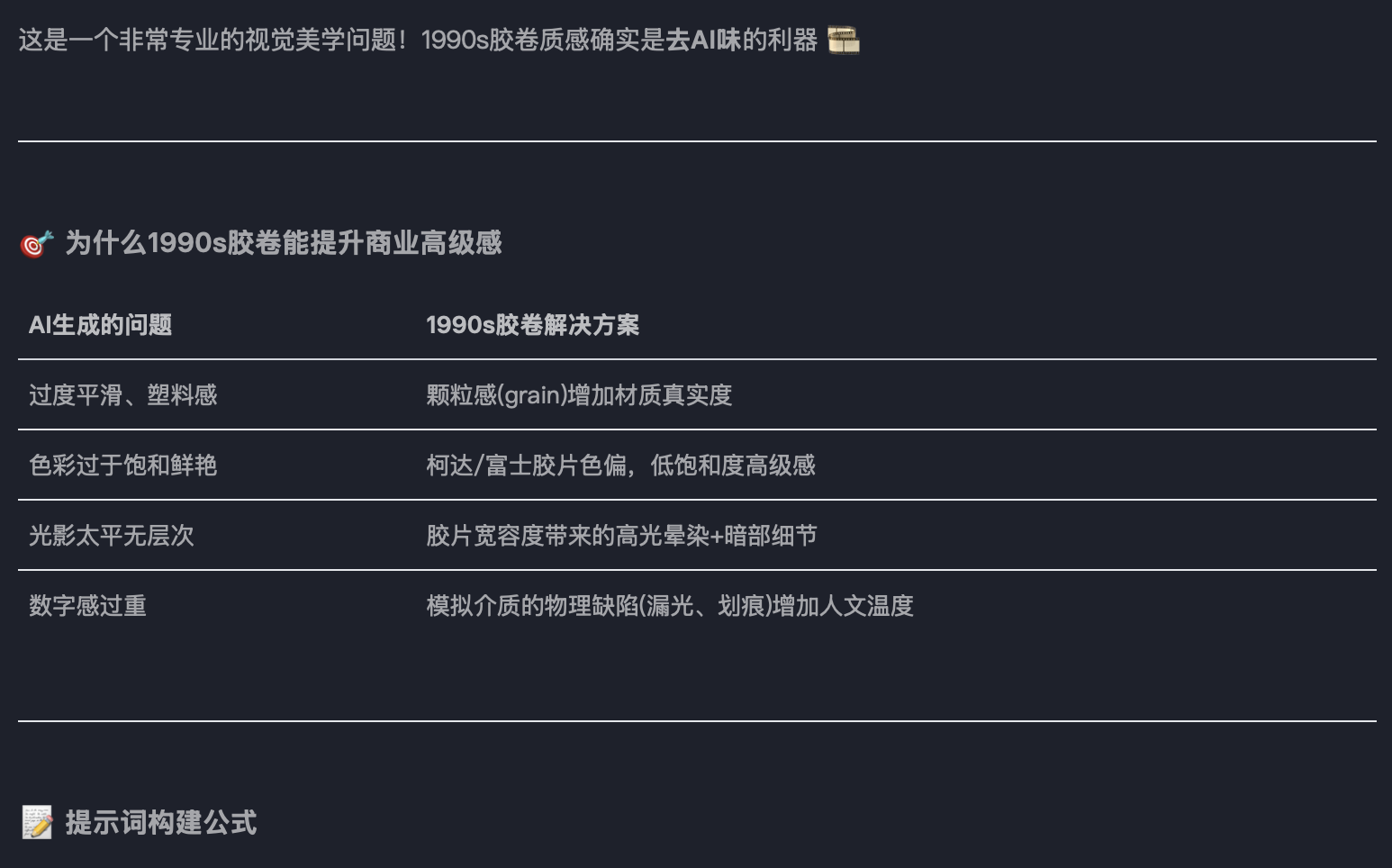
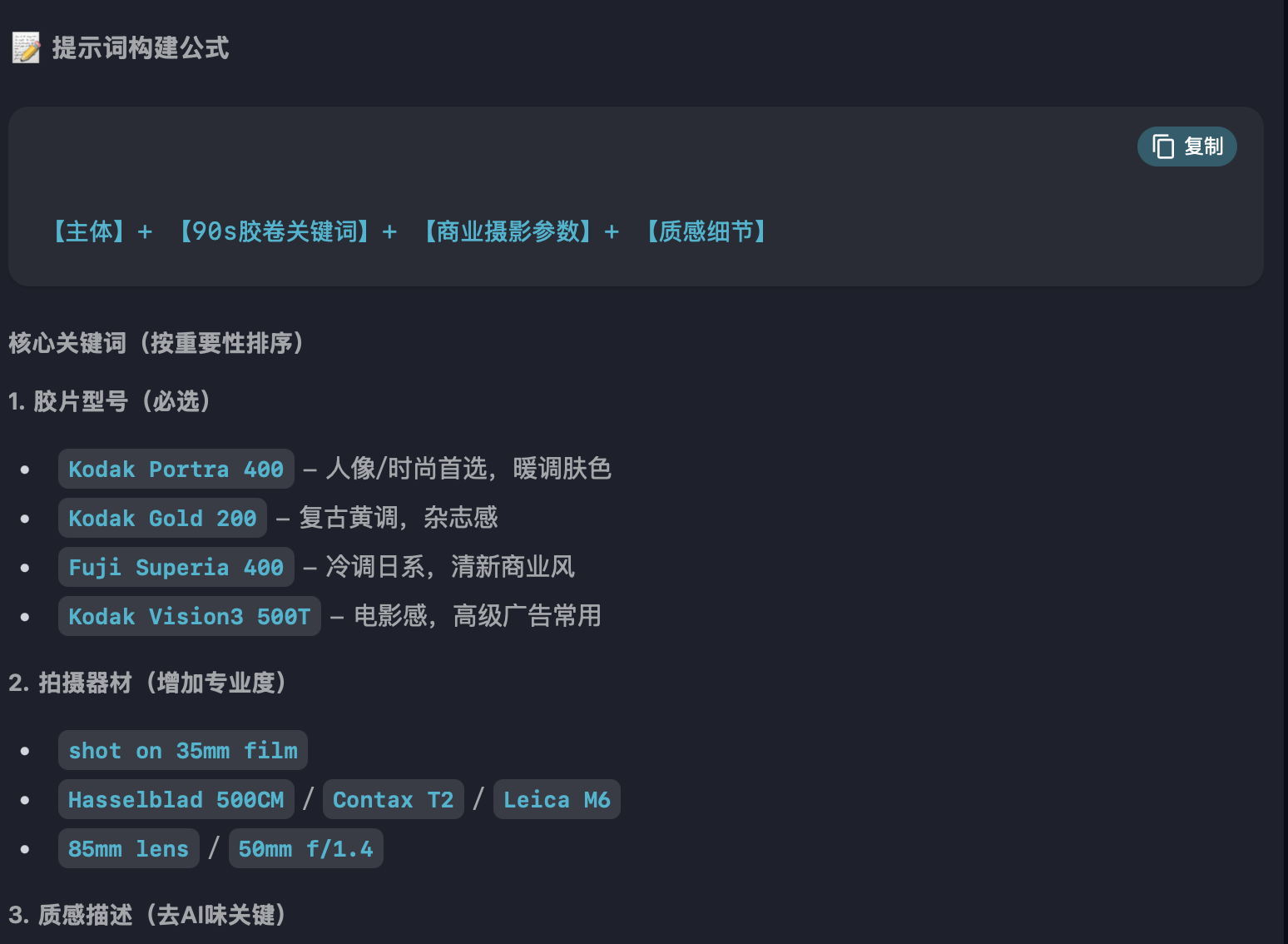
This is the magic moment. The AI responded with:
- Kodak Portra 400's warmth — the specific color science of this film stock
- Physical grain texture — real photographic noise, not digital sharpening
- Restraint from digital sterility — actively avoiding 4K/8K hyper-sharpness
It essentially loaded a professional photographer's parameter set into its context. From this point on, every generation will be influenced by this aesthetic framework.
Why this works: When you ask the AI to explain an aesthetic before generating images, it builds an internal model of that style. It's like briefing a creative director before a shoot — the better the brief, the better the output.
Step 2: Logic Derivation — Let AI Build Its Own Rules
Next, let the AI derive its own "do's and don'ts" based on the aesthetic discussion. This creates an internal quality filter.
What emerged from the conversation:
Add these (加分词):
- "Kodak Portra 400 color rendering"
- "organic film grain"
- "natural light spill"
- "slight vignetting"
Avoid these (禁忌词):
- "4K" / "8K" / "ultra HD"
- "perfect lighting"
- "sharp detail"
- "digital clarity"
This is counterintuitive. We're telling the AI to make images less technically perfect — and that's exactly what makes them look more real.
Step 3: Scene Application — Generate with the Loaded Context
Now we generate. But because Steps 1 and 2 already loaded the right aesthetic framework, the AI doesn't default to its usual "stock photo" mode.
Backpack product shot:
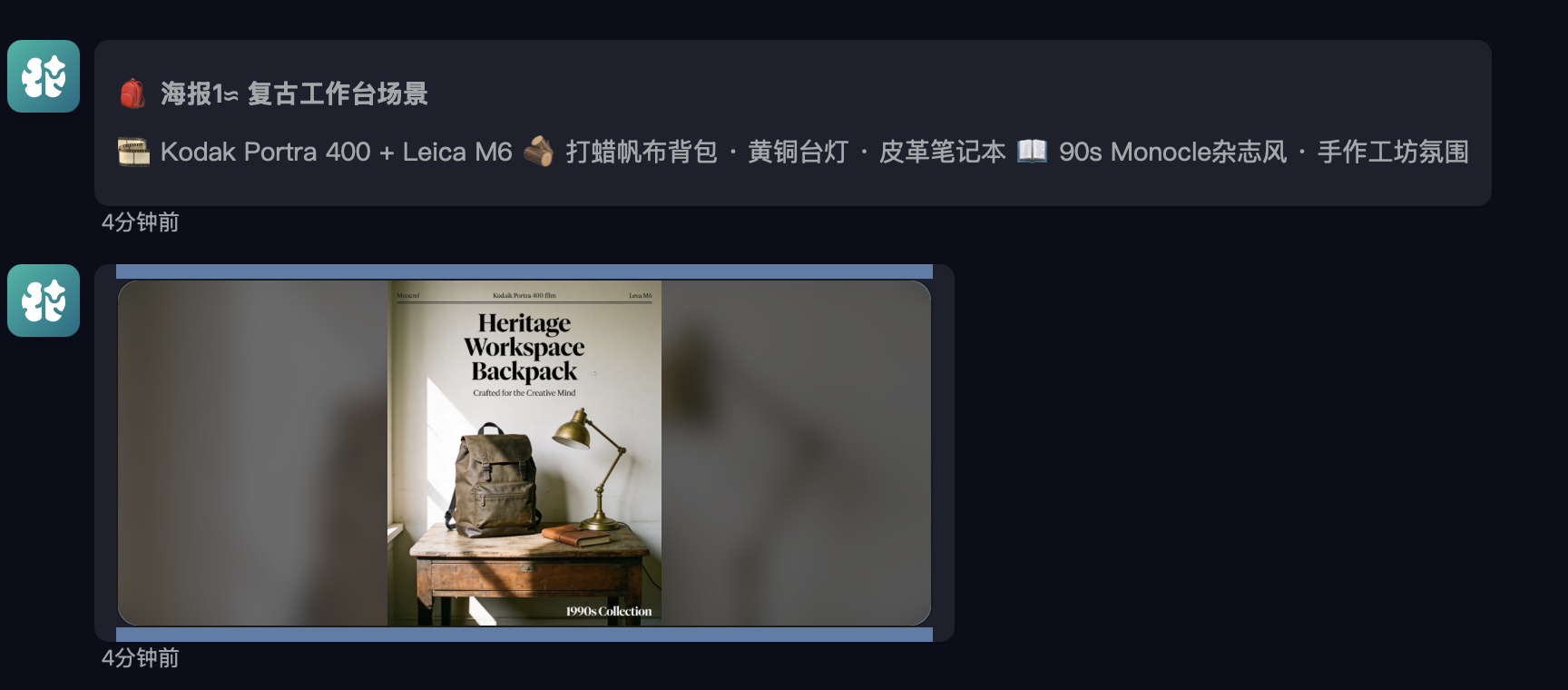
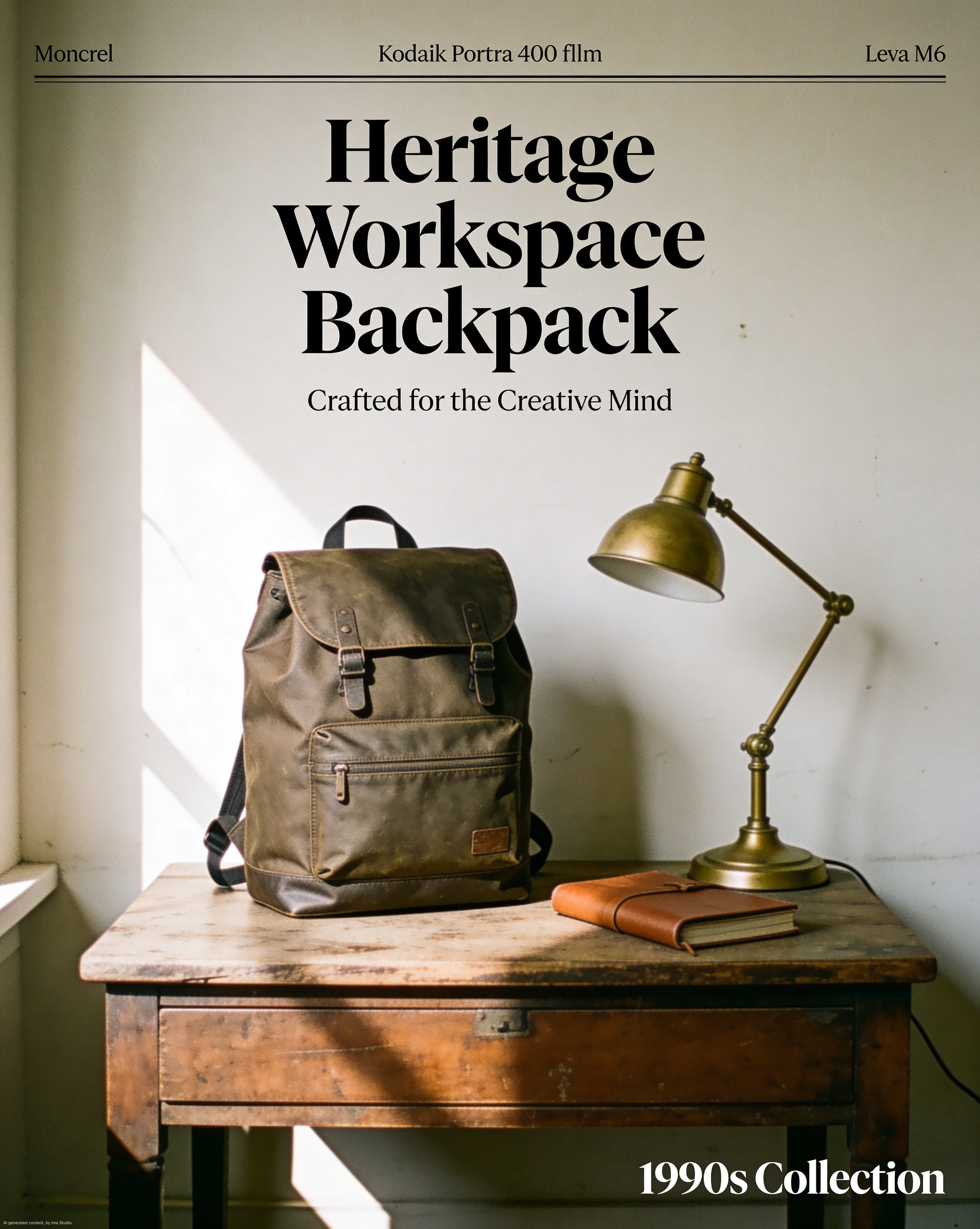
Notice the warm tones, the subtle grain, the way light falls naturally. This doesn't look AI-generated. It looks like someone shot it on a Hasselblad with Portra film.
Skincare product:
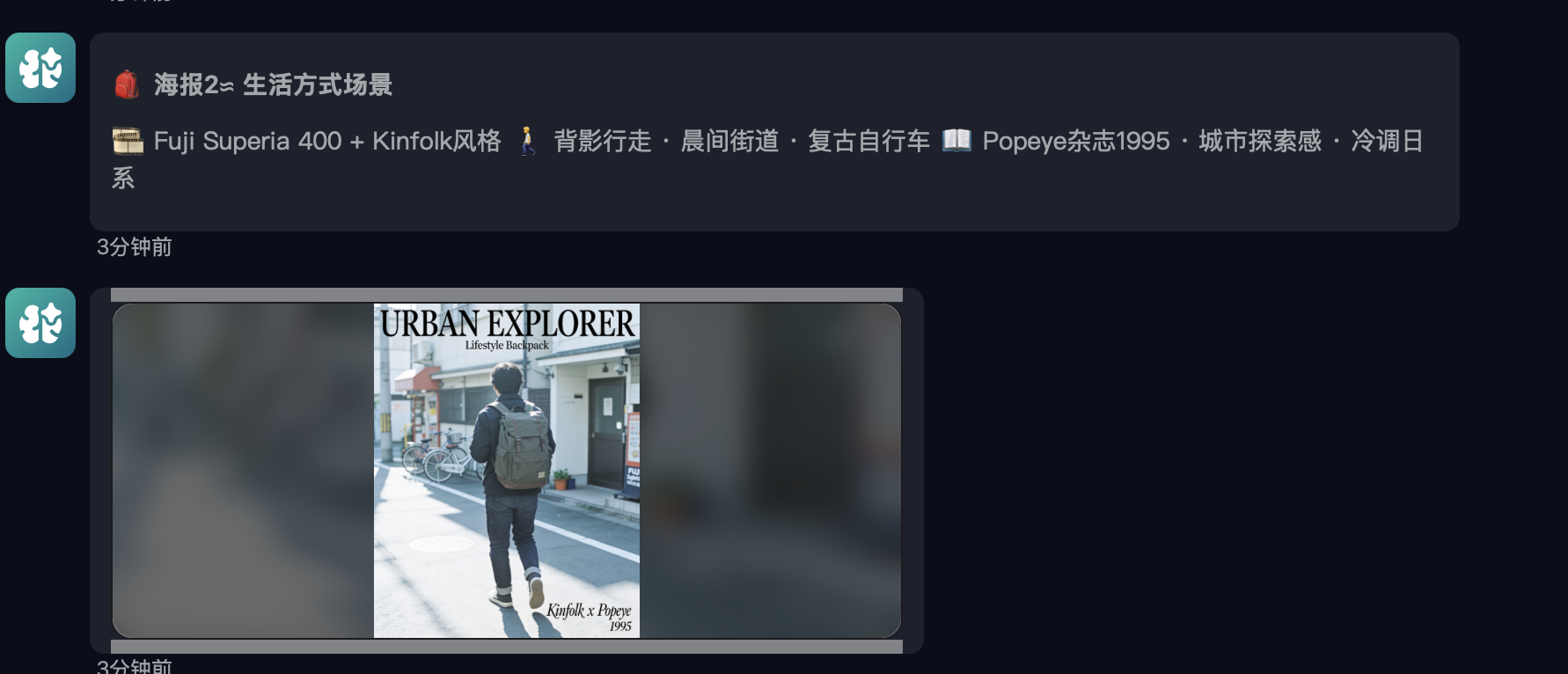
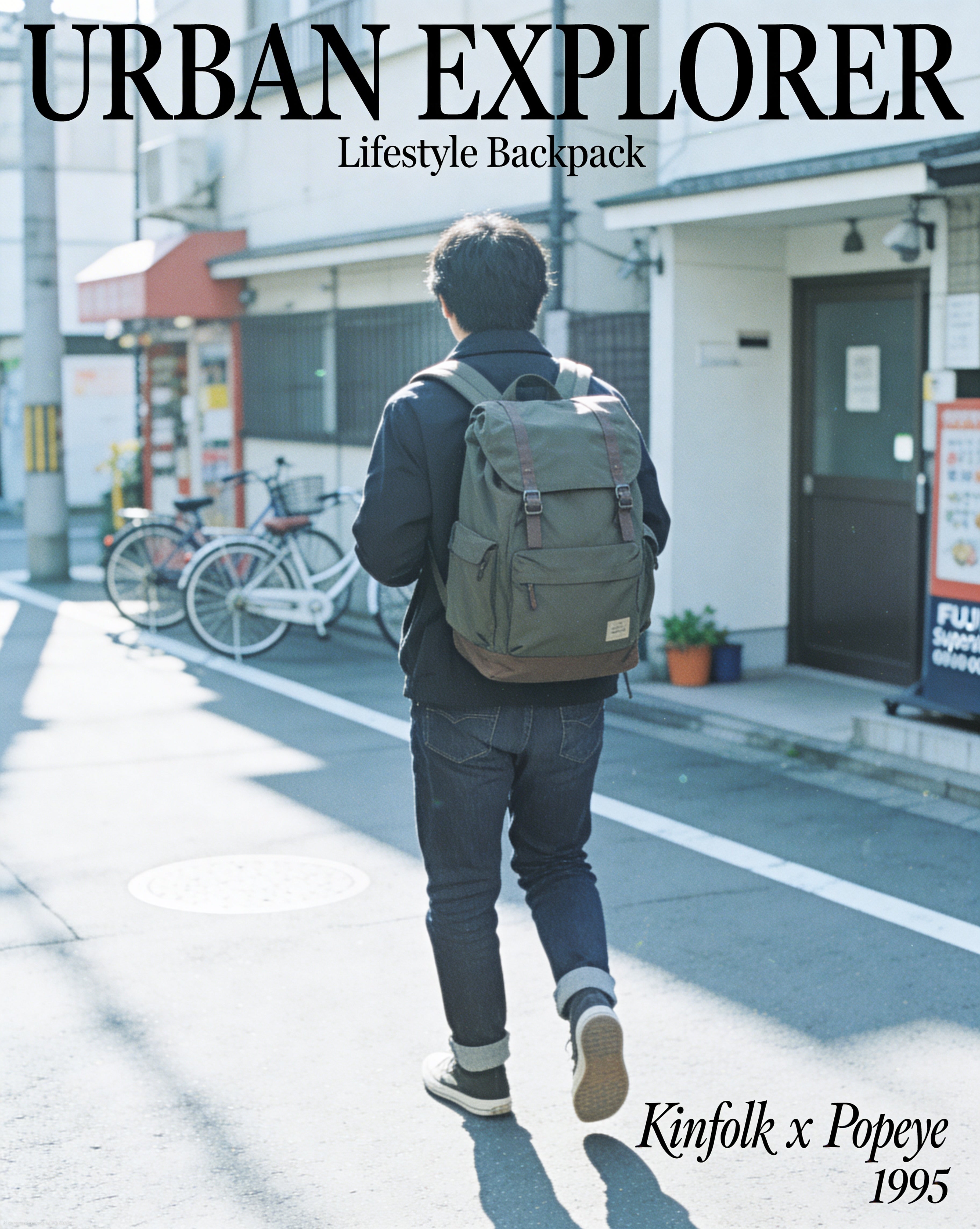
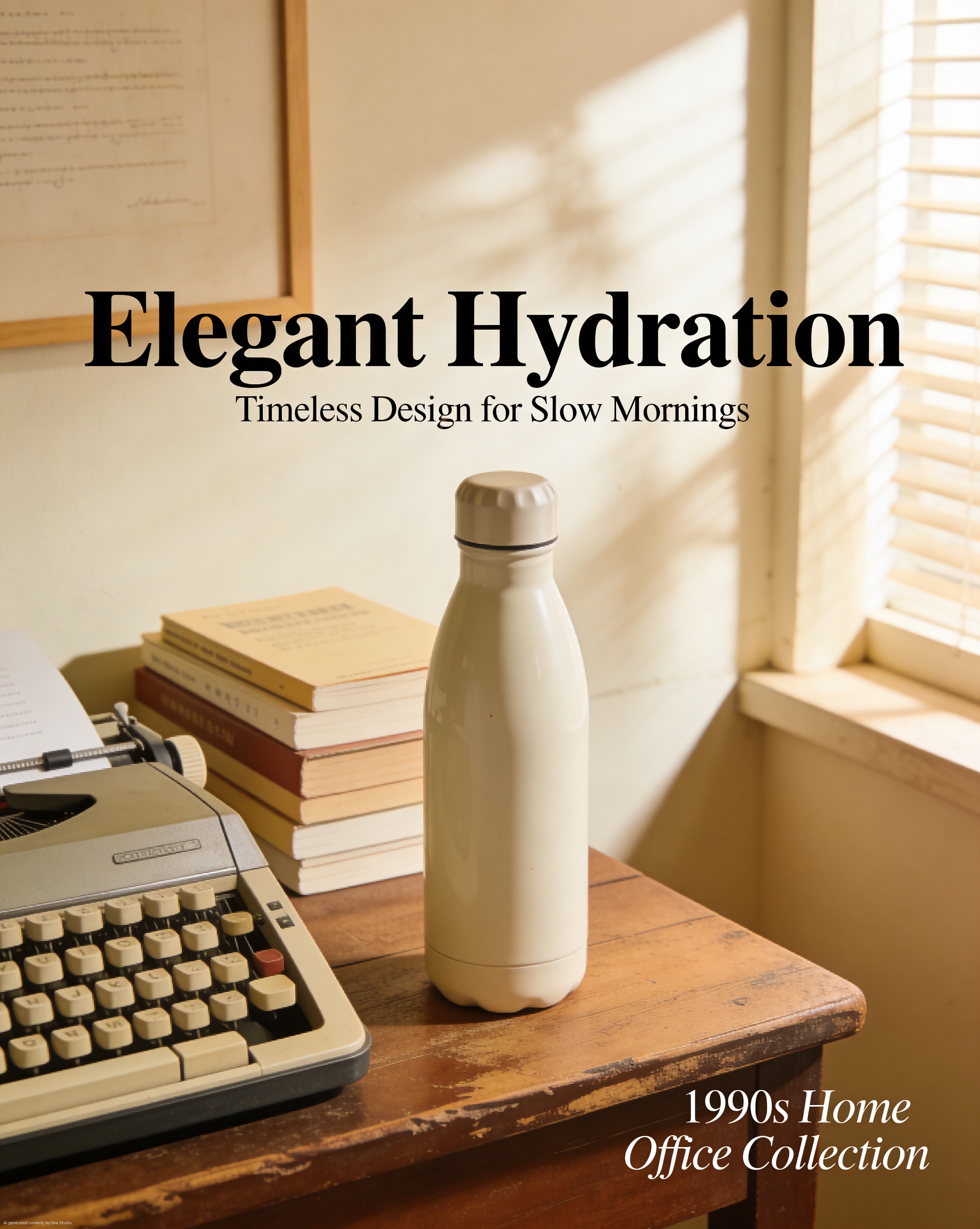
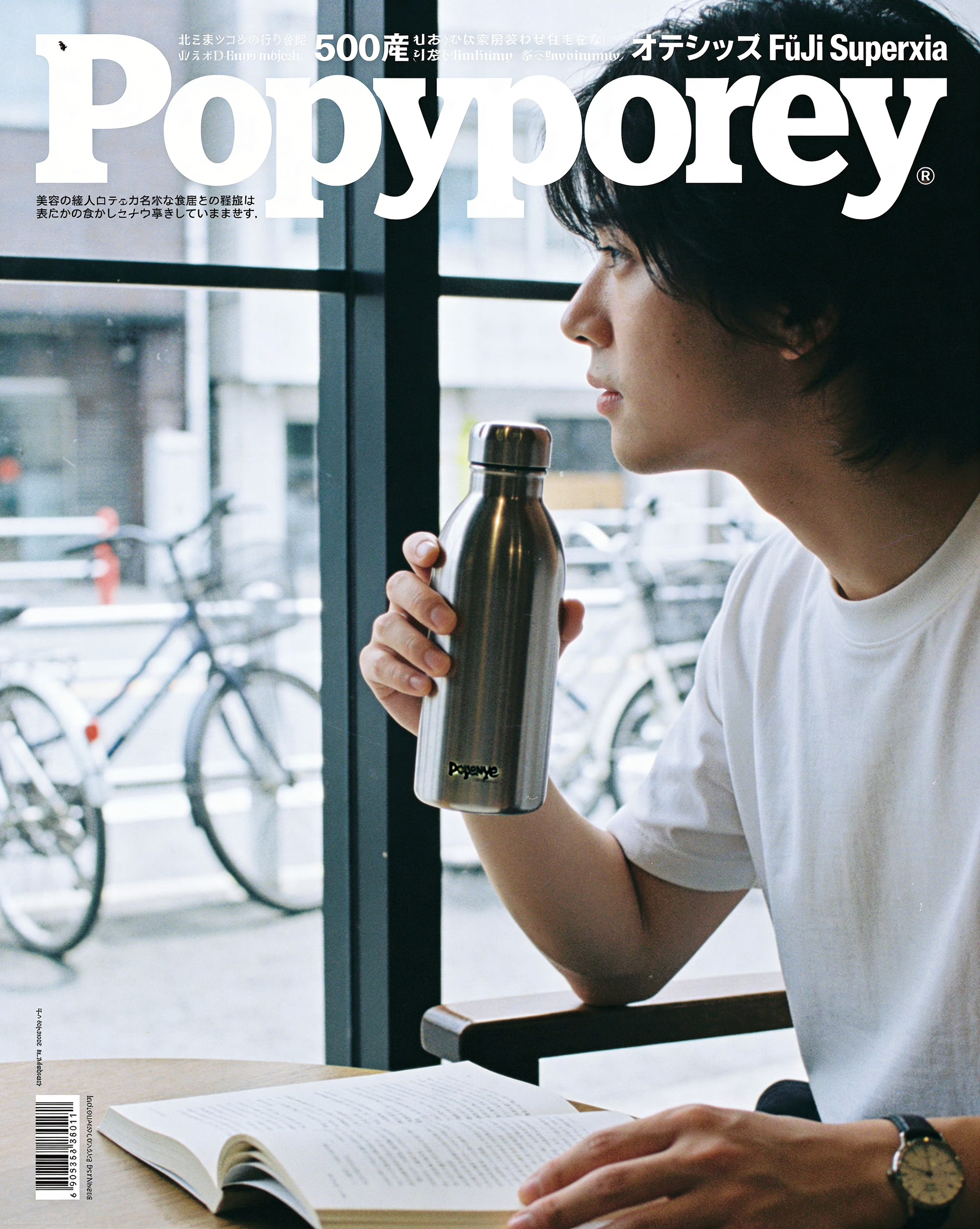
Water cup / lifestyle product:
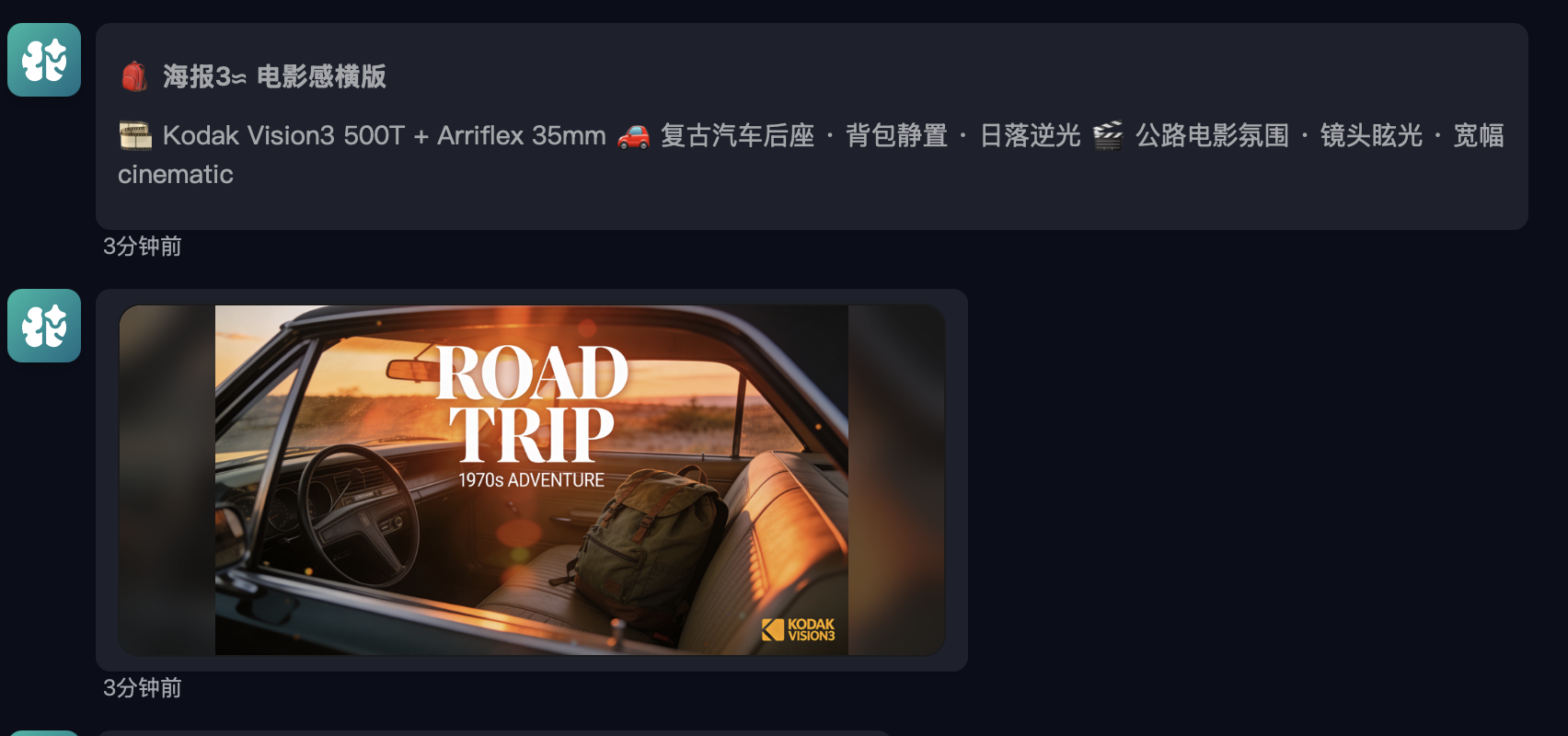
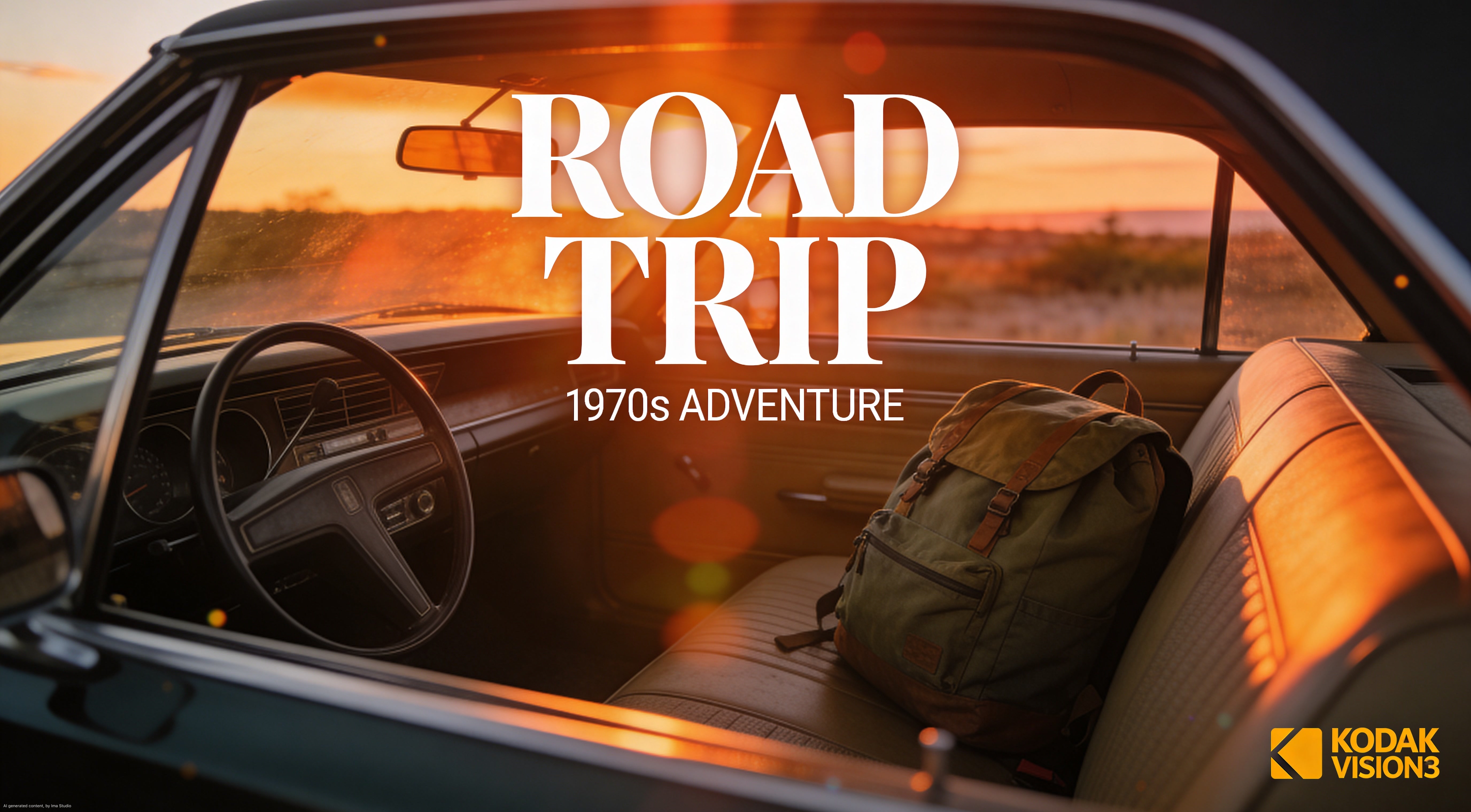
Extended product series:
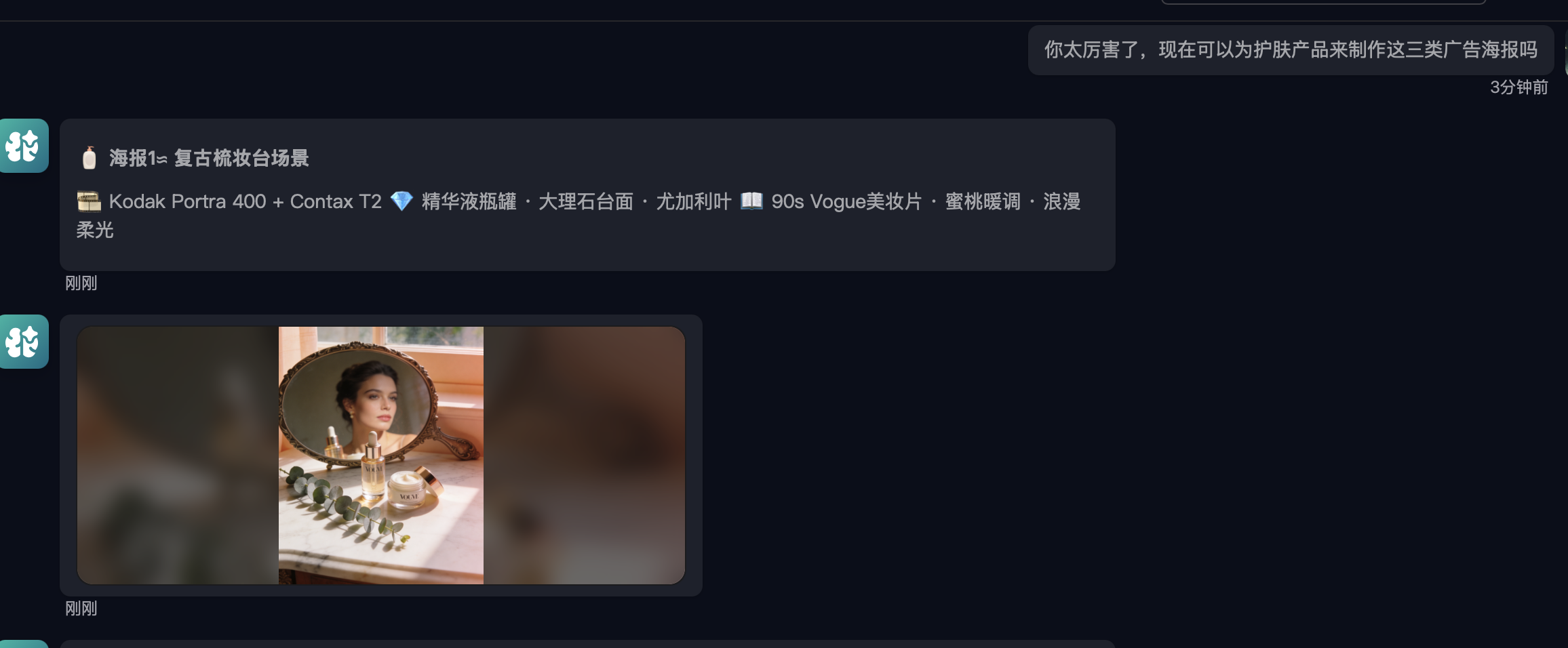
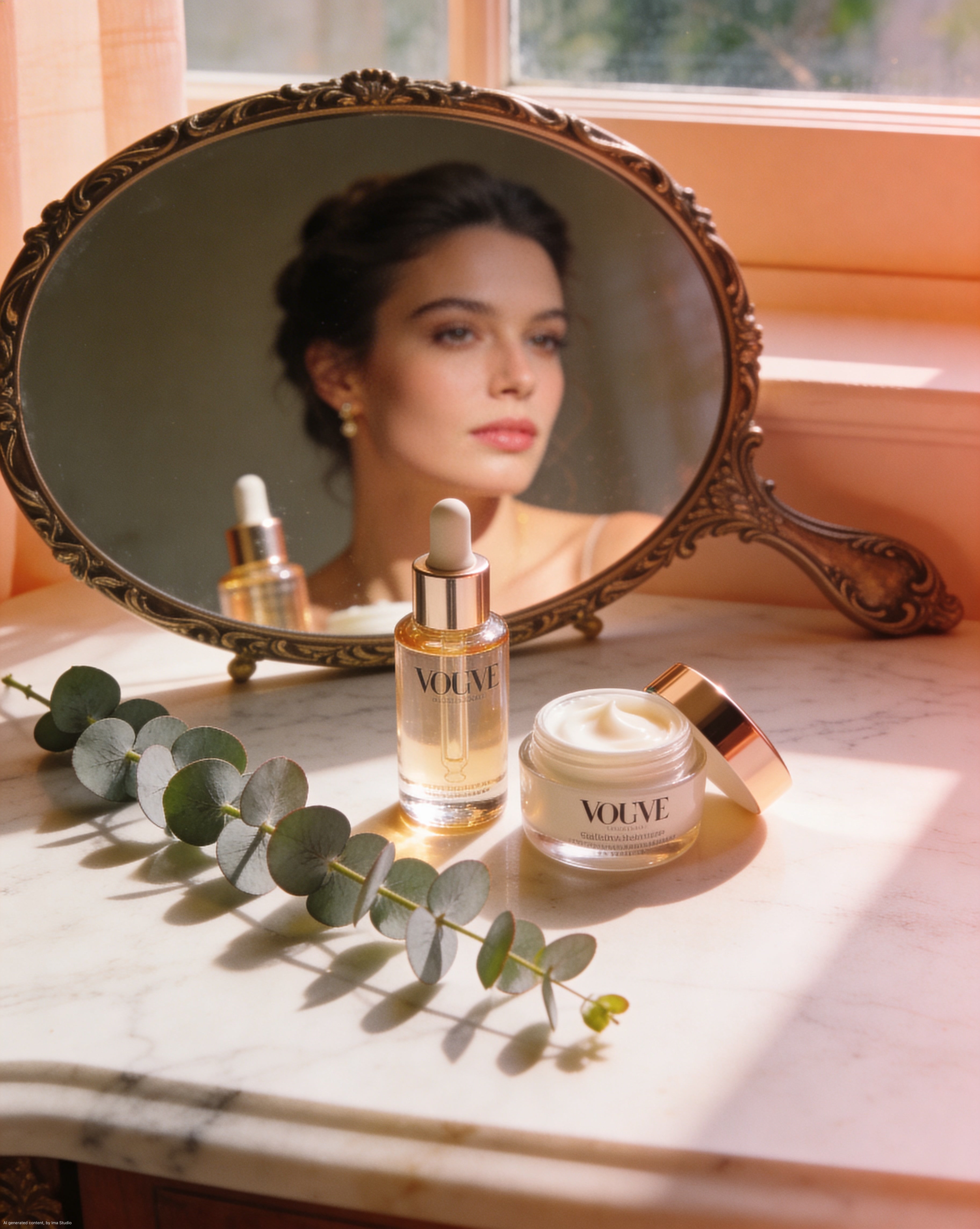
Every single one of these maintains the same visual language. No plastic skin. No digital sterility. No "AI look."
The Full Gallery
Here are the final outputs — all generated in one Ima Claw session, all maintaining consistent 90s film aesthetics:
Why This Method Works
The insight behind this approach is simple but powerful:
Don't treat AI as an image generator. Treat it as a creative director who has memorized the entire history of photography.
When you ask it questions about specific film stocks, lighting philosophies, or visual eras, you're not just getting a pretty answer — you're loading aesthetic context into its generation pipeline.
The result:
| Traditional prompting | Aesthetic Questioning method |
|---|---|
| "High quality product photo, 4K" | Ask about Portra 400 color science first |
| Generic, overprocessed look | Authentic film texture |
| Each image looks different | Consistent visual language |
| Obviously AI-generated | Could pass as professional photography |
| Low hit rate (~20%) | High hit rate (~80%) |
How to Try This Yourself
With Ima Claw (Easiest)
- Go to imaclaw.ai and adopt a Claw
- Start with an aesthetic question — "How would [specific visual reference] improve [your use case]?"
- Let it build the framework
- Then ask for your specific images
- Every generation in that session will carry the aesthetic context
Ima Claw is a cloud-hosted OpenClaw agent with IMA Studio creative skills pre-installed — Midjourney, Seedream, Nano Banana, and more. No API keys, no setup, no model switching.
With Any AI Tool
The method works with ChatGPT + DALL-E, Midjourney, or any other tool:
- Ask first, generate later — always start with an aesthetic discussion
- Reference specific things — "Kodak Portra 400" beats "vintage look" every time
- Build anti-rules — knowing what to avoid is as important as knowing what to add
- Stay in one session — the aesthetic context carries forward
Key Takeaways
The "AI look" comes from lazy prompting, not bad models. Asking for "4K ultra realistic" is the fastest way to get generic output.
Questions beat instructions. "How would X improve Y?" loads more aesthetic context than "Make Y in style X."
Specific references > generic adjectives. "Kodak Portra 400" carries more visual information than "warm vintage film look."
Build rules before generating. Let the AI derive its own "do's and don'ts" — it creates an internal quality filter.
Consistency comes from context. One aesthetic discussion at the start of a session influences every generation that follows.
This tutorial was based on a real Ima Claw session. The workflow, screenshots, and all generated images are authentic — no cherry-picking, no post-processing.
Want to try it yourself? Adopt an Ima Claw — cloud-hosted OpenClaw with every AI creative model built in.