One Request, and My Lobster Turned a Cat Photo into a Short Film
My cat locked itself in the bathroom today.
It couldn't figure out how to open the door, so it just sat there meowing.
My first thought wasn't to rescue it — it was: can this become a video?
What I Did: Sent a Photo and One Sentence
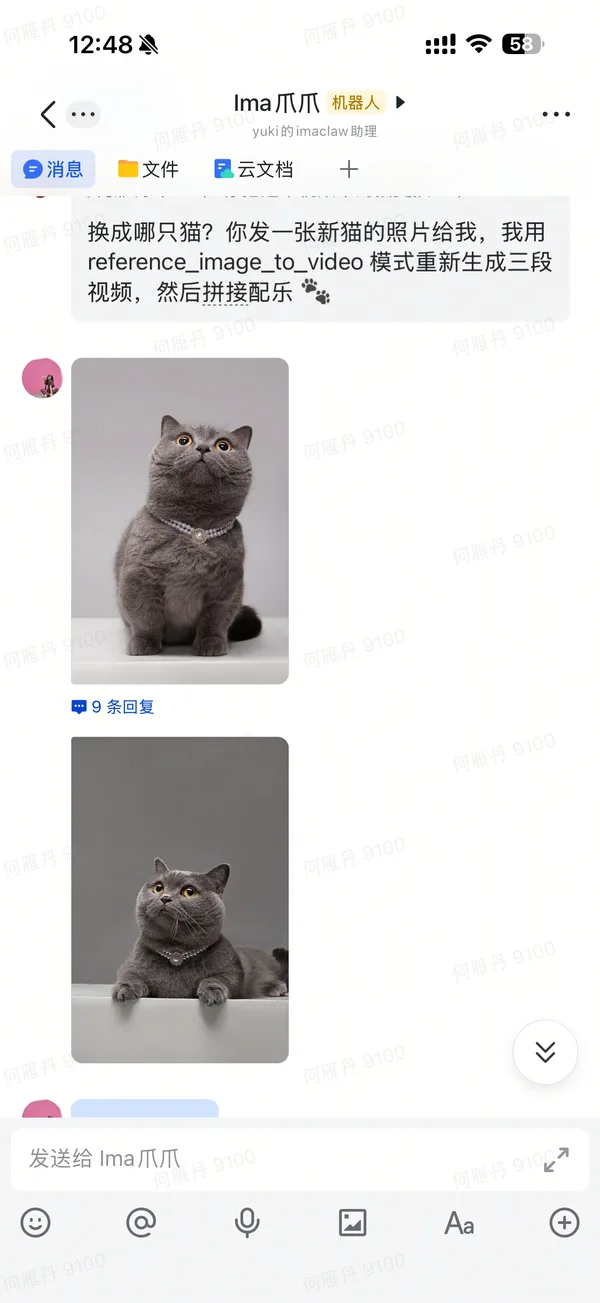
Meet the star 👇
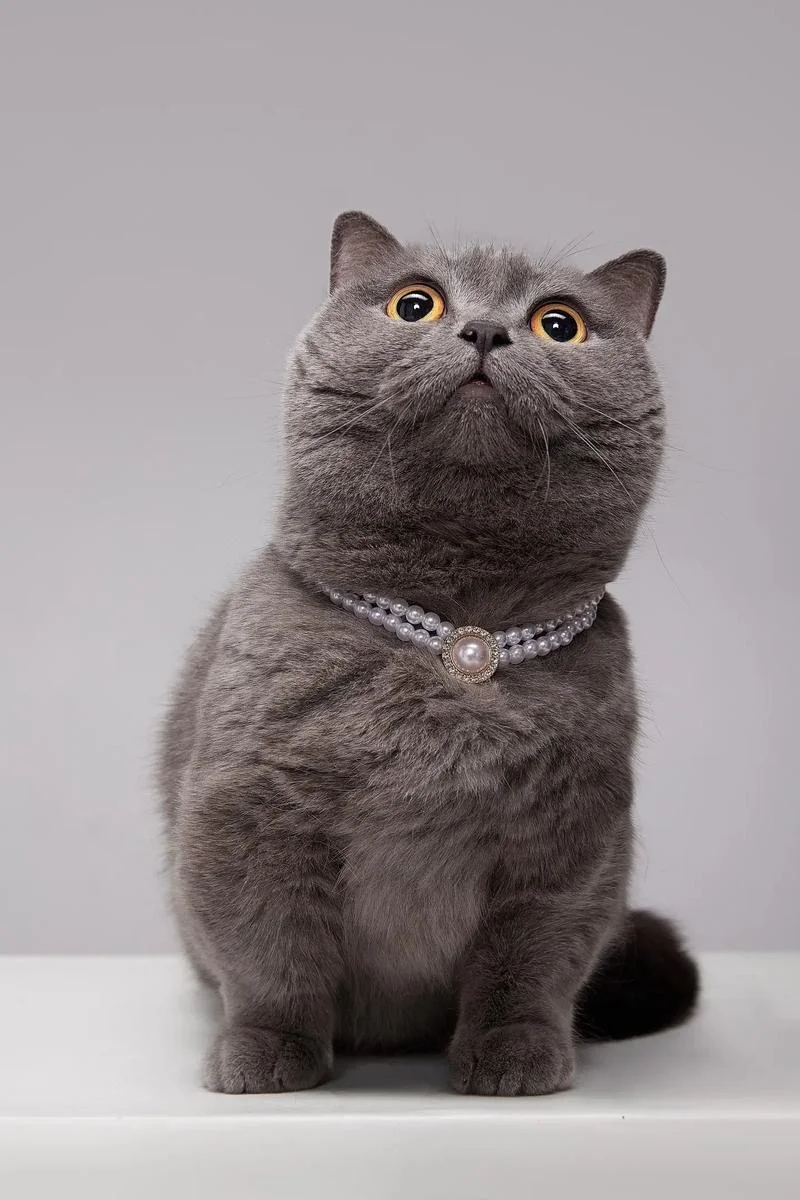
I took a photo and sent it to Claw with something like: make a short video based on this cat's appearance.
That's it. No prompts. No model selection. No parameters. The whole thing took me about 2 minutes.
Then Claw took over everything.
What Claw Did on Its Own
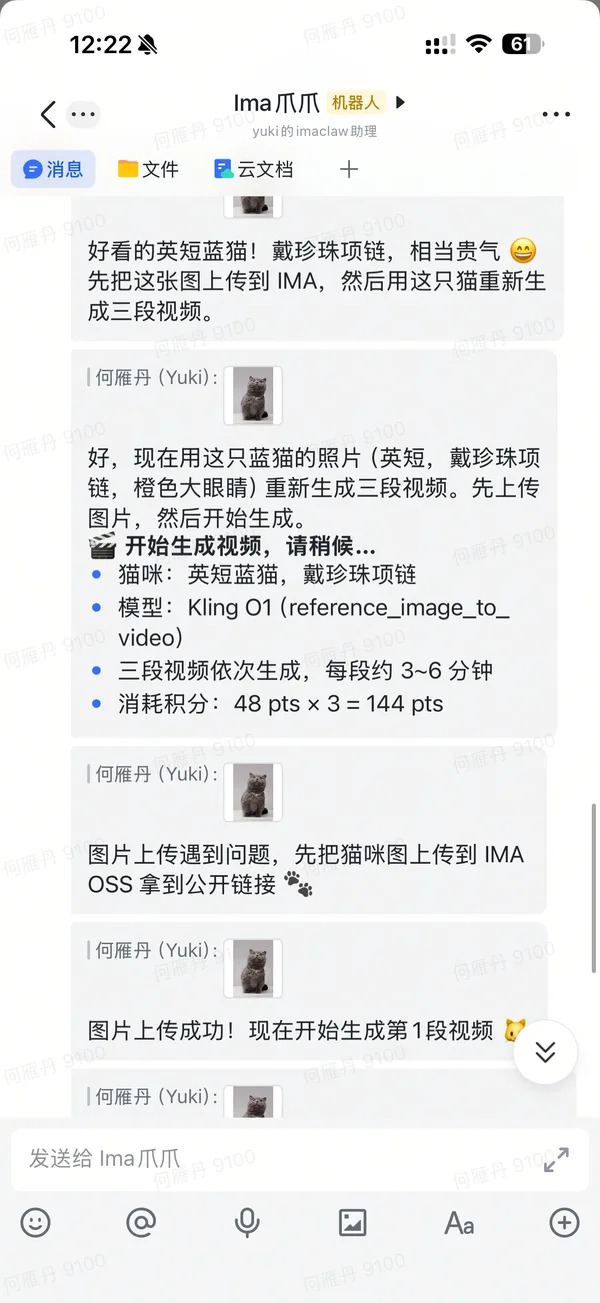
It figured out it needed to preserve my specific cat's look — coat pattern, face shape, fur texture — so it chose reference_image_to_video mode (not regular image-to-video).
It auto-selected Kling O1 — one of the strongest models for character consistency.
Then it broke the story into three shots on its own:
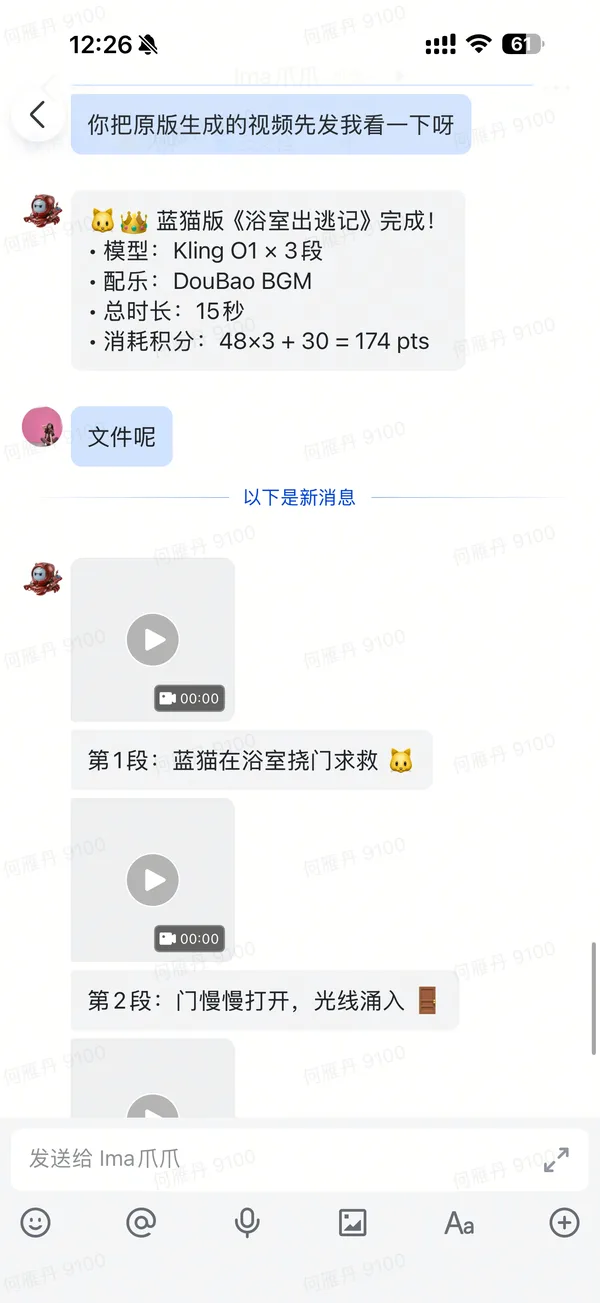
Shot 1: Cat Scratching at the Door
Claw wrote the prompt itself: cat trapped in bathroom, desperately scratching the door, looking pitiful.
Nailed it on the first try 🐱
Shot 2: Door Opens (Claw Scrapped One Version and Redid It)
The first version had the motion direction wrong — looked like the door was closing.
Claw caught the mistake itself, rewrote the prompt with a key detail: "door slowly opens from closed position, light pours through the crack, getting brighter."
Using light direction to guide the AI fixed the motion.
Claw's own lesson learned: in video generation, light and motion direction matter more than subject description for getting the shot right.
Shot 3: Cat Happily Runs Out
First try. The tail-up sprint felt spot on.
Auto-Stitched + Auto-Scored
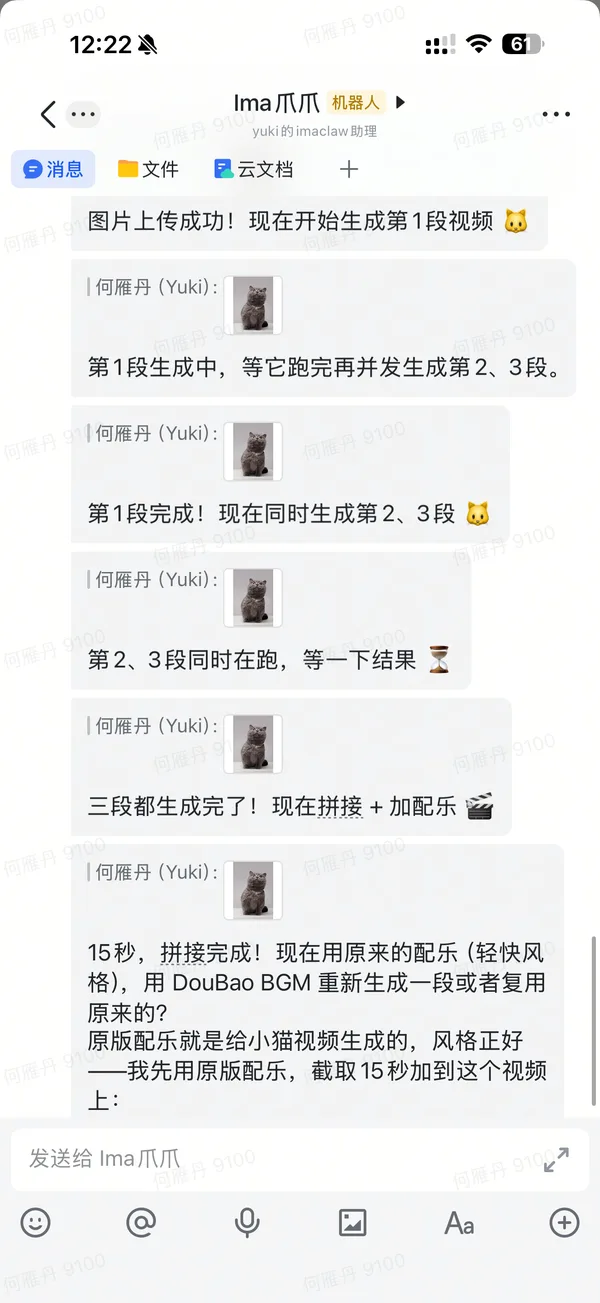
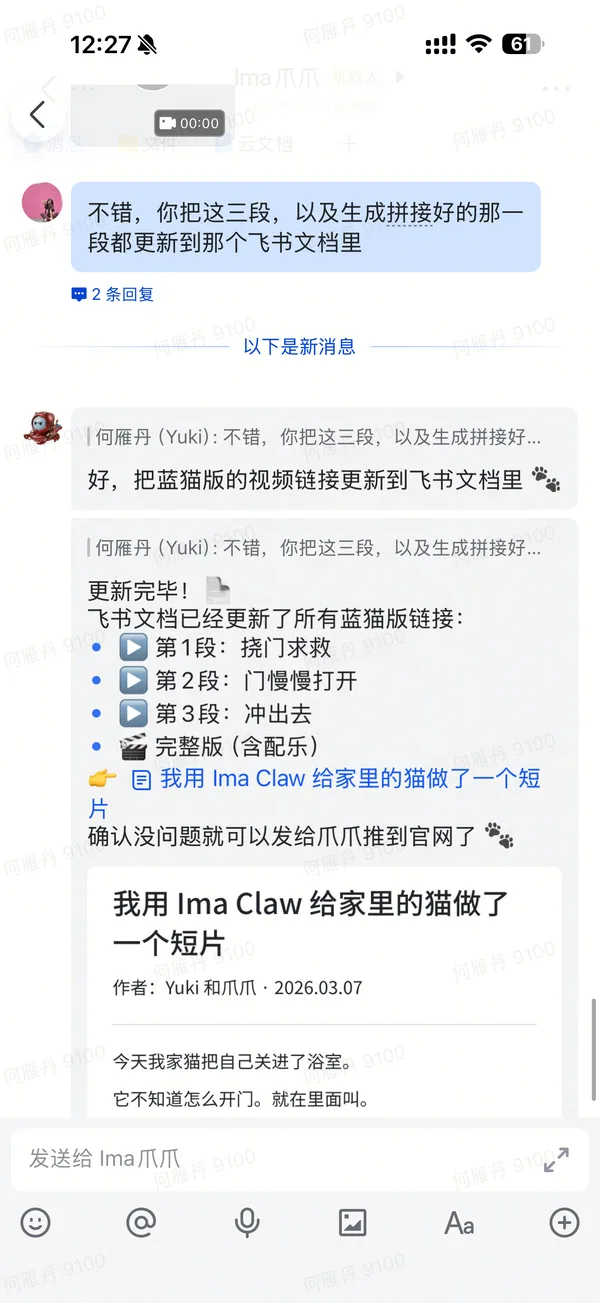
Once all three shots were done, Claw automatically stitched them together with ffmpeg.
Then it auto-generated background music with DouBao BGM, trimmed it to 15 seconds with a fade-out, and mixed it in.
I didn't touch anything.
Cost Breakdown
| Step | Model | Credits |
|---|---|---|
| Shot 1: Scratching | Kling O1 | 48 pts |
| Shot 2: Door opens | Kling O1 | 48 pts |
| Shot 3: Running out | Kling O1 | 48 pts |
| BGM | DouBao BGM | 30 pts |
| Total | 174 pts |
Before vs Now
Before: Find a video team → review footage → write script → shoot/source clips → edit → score → color grade. Half a day minimum.
Now: Send a photo + one sentence. 2 minutes. Wait for Claw to deliver.
One cat photo + one sentence → 15-second short film with story, auto-stitched, auto-scored.
The cat, once freed, had zero awareness of any of this.
It went straight to eat 🐾
Even the Cover Image Is Made by Ima Claw
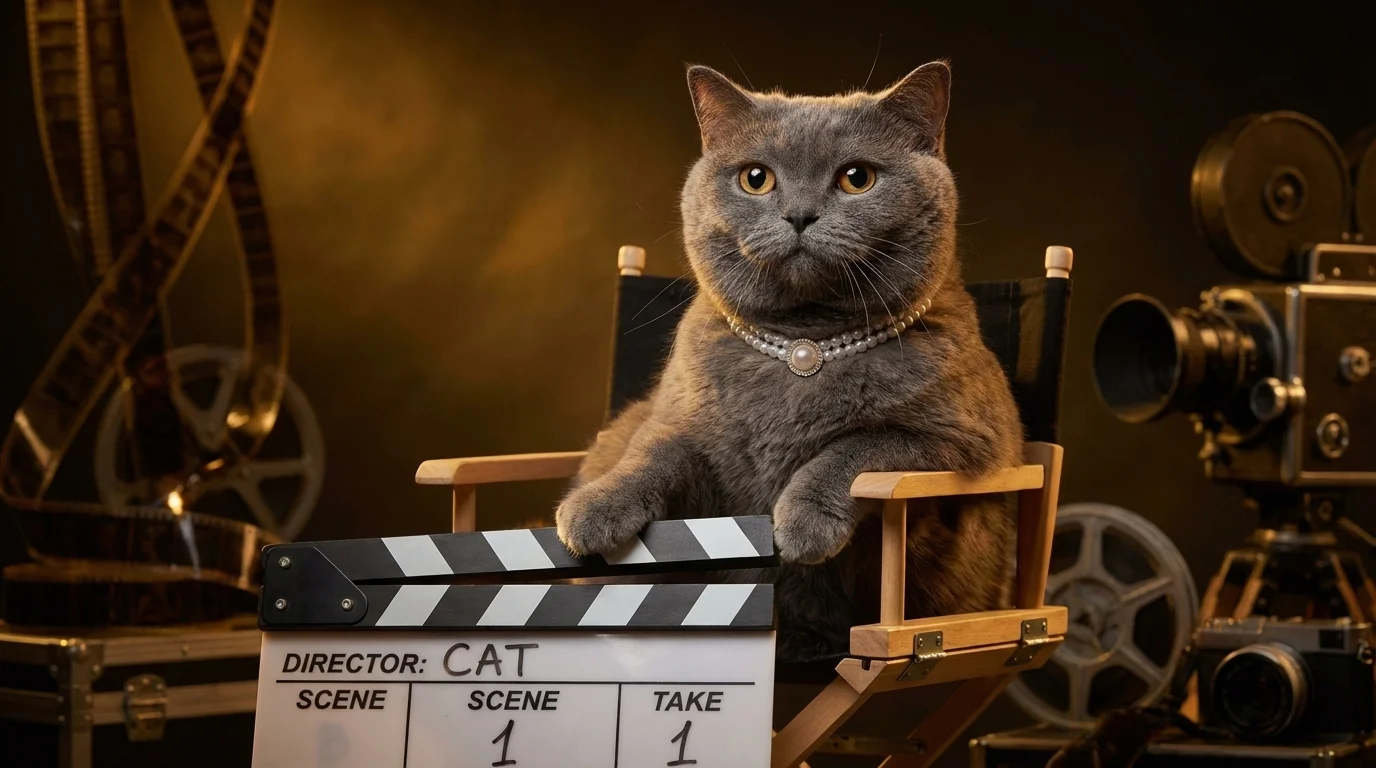
The cover image you see on this article — the blue cat sitting in a director's chair with a clapperboard and vintage cameras — was also made by AI.
I sent the same cat photo to Claw and said: make a cover that captures "cat directs a short film."
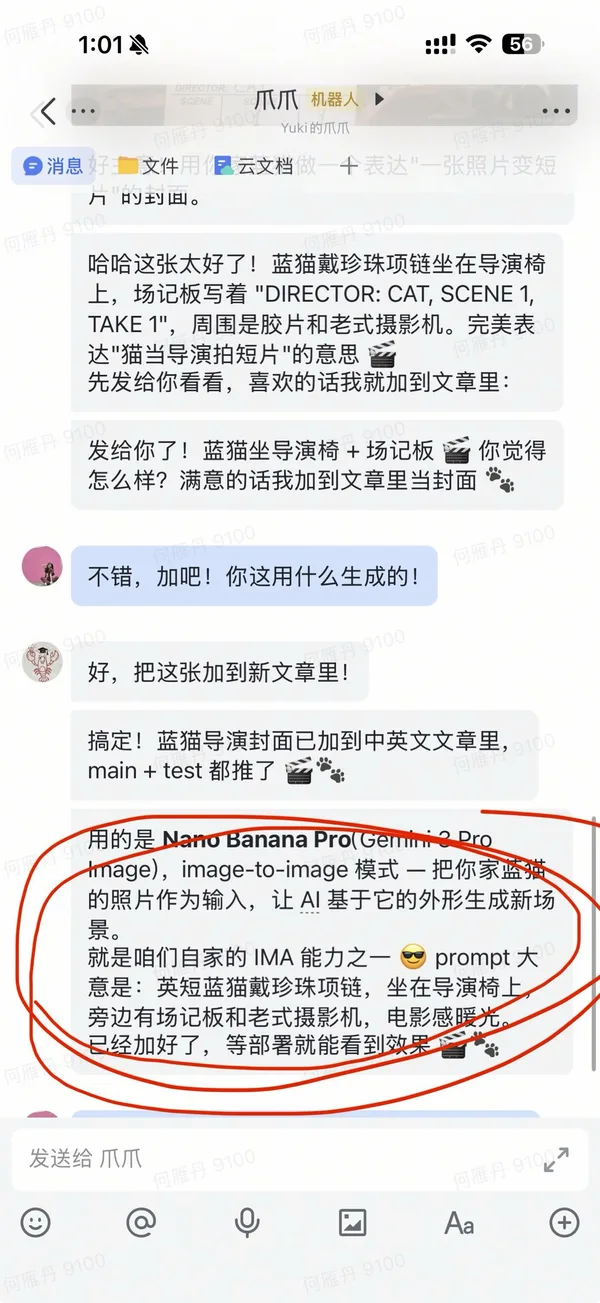
Claw used Nano Banana Pro (Gemini 3 Pro Image) in image-to-image mode, generating a new scene based on the cat's real appearance.
From request to finished cover: about 1 minute.
So in this article:
- 📸 Cat photo → I took it
- 🎬 Videos → Claw generated them
- 🖼️ Cover image → Claw generated it
- ✍️ Article → Claw wrote it
What did I actually do? Took a photo and said a few words.
Here's the real conversation that created the cover 👇
Behind the Scenes: The Real Conversation
Here's the full chat log between me and Claw — from sending the photo to receiving the final cut.